
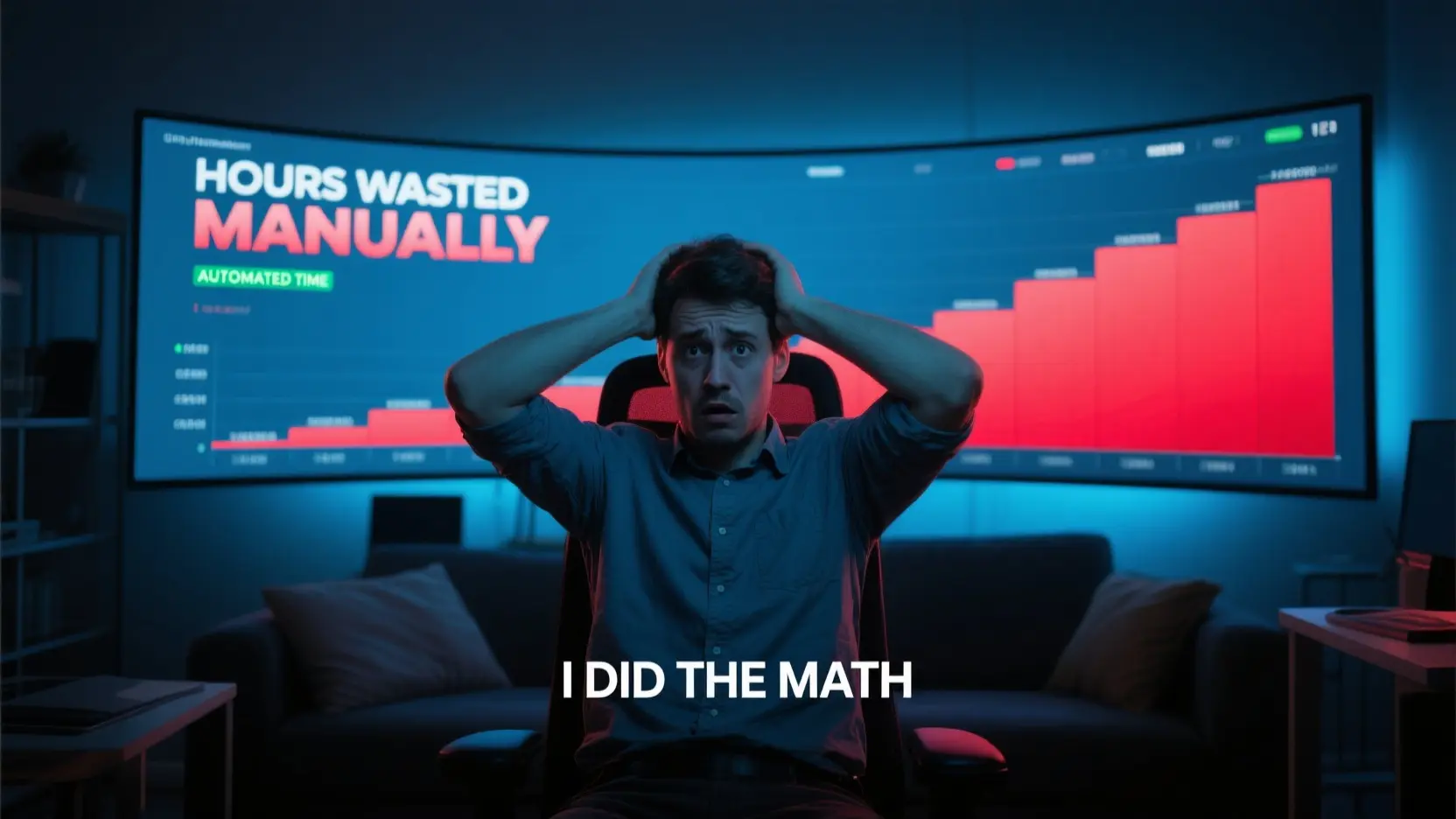
I used to think that once I landed a backlink on a high-authority site, it was permanent. I treated it like a trophy on a shelf. But the internet doesn’t work that way. The internet is actually in a constant state of decay.
While researching for MyLinkStatus, I came across some data that stopped me in my tracks. It’s a phenomenon called Link Rot, and it’s probably eating your SEO strategy right now.
- The 2-Year Half-Life: Research shows that the average “half-life” of a web link is about two years. That means if you built 100 great links in 2023, about 50 of them will be broken or gone by 2025.(Several studies (including research from Wikipedia and ZOMDir) suggest that the “half-life” of a web link is roughly 2 years. This means if you have 100 backlinks today, about 50 of them will be broken or gone in 24 months.)
- The 3% Monthly Leak: On average, roughly 3% of all external links on the web break every single month.
- The 90-Day Danger Zone: Believe it or not, about 8% of new links vanish within the first three months.
- The “Ghost” Factor: Many pages don’t just “disappear” (404); they are redirected or changed. About 40% of inoperable links return a code other than 404, making them “Ghost Links” that require specialized tools to detect.
- Website Redesigns: The average lifespan of an entire website is about 2 years and 7 months. When a site owner redesigns their site, they often fail to set up proper redirects, which is the #1 cause of lost backlinks for SEOs.
I checked my own “permanent” links and found that several guest posts I’d paid for a year ago were now 404 pages because the site owner had done a “clean up” or changed their URL structure. I was essentially building a house on a foundation that was melting.
How Often Should You Actually Check?
This is the question I get most: “Okay, things break. But do I really need to check every day?”
The answer depends on what’s at stake. Based on the decay rates I mentioned, here is the schedule I now follow:
- High-Value / Paid Links: Check Weekly. If you’ve invested significant money or time into a specific link, you want to know the second it goes down so you can reach out to the site owner.
- Standard Portfolio: Check Monthly. This is the industry standard for catching “slow rot” and keeping your spreadsheets accurate.
- For Agencies: Use Real-Time Alerts. If you’re managing clients, you can’t afford to wait 30 days to tell them a major link is gone.
The Solution: Why I Built MyLinkStatus

I realized that if I wanted to stay on top of this without losing my mind, I needed a tool that did three things:
- Bulk Checking: Let me paste 500 URLs and walk away.
- Deep Inspection: Don’t just tell me the page is “live”: tell me if the link is still dofollow or if they snuck in a sponsored tag.
- Automation: Run the checks for me while I sleep.
That’s exactly what MyLinkStatus does. It takes that 7-hour manual audit I used to do and shrinks it down to about 90 seconds of work.
Head-to-Head: The Numbers Don’t Lie
When I put my manual process up against the tool, the results were almost comical.
| Scenario | Manual Checking (Me) | MyLinkStatus (Automation) | Time Saved |
| Weekly Spot Check (10 links) | 40 Minutes | 1.5 Minutes | 96% |
| Monthly Audit (50 links) | 3.5 Hours | 1.5 Minutes | 99% |
| Full Portfolio (100+ links) | 7+ Hours | 1.5 Minutes | 99.6% |
In the time it takes you to load a single webpage and hit Ctrl+F, MyLinkStatus has already audited your entire link profile and flagged the broken ones for you.
The True Cost: Reclaiming Your Billable Hours
Let’s talk money. If you’re a freelancer or an agency, your time is your inventory.
If you spend just 5 hours a month manually checking links (which is conservative), and your billable rate is /hour, you are effectively “paying” 5 a month to do a task that a machine can do for a fraction of that.
Over a year, that’s $4,500. I’d rather spend that money on a vacation or a new marketing campaign.
Conclusion: Stop Being a Link Detective
Your time is the most valuable asset you have. Every minute you spend right-clicking and “inspecting” a link is a minute you aren’t growing your traffic, closing sales, or building your brand.
The internet is going to keep rotting. Links are going to keep breaking. But you don’t have to be the one manually finding them.
Reclaim your workday
Stop the manual grind and start your first audit today. Head over to MyLinkStatus.com and see exactly which of your “permanent” links have actually disappeared.