
It happened again. I opened my dashboard this morning, and that high-authority link I worked months to land showed up in red. Status: 404 / Lost.
In the SEO world of 2026, a disappearing link isn’t just bad luck; it’s usually a calculated move by a site owner or a byproduct of modern site hygiene.
If you’ve seen your referral traffic dip lately, you aren’t alone. Data from recent industry studies shows that the average “link half-life” has dropped; roughly 22% of new backlinks now disappear within the first 18 months.
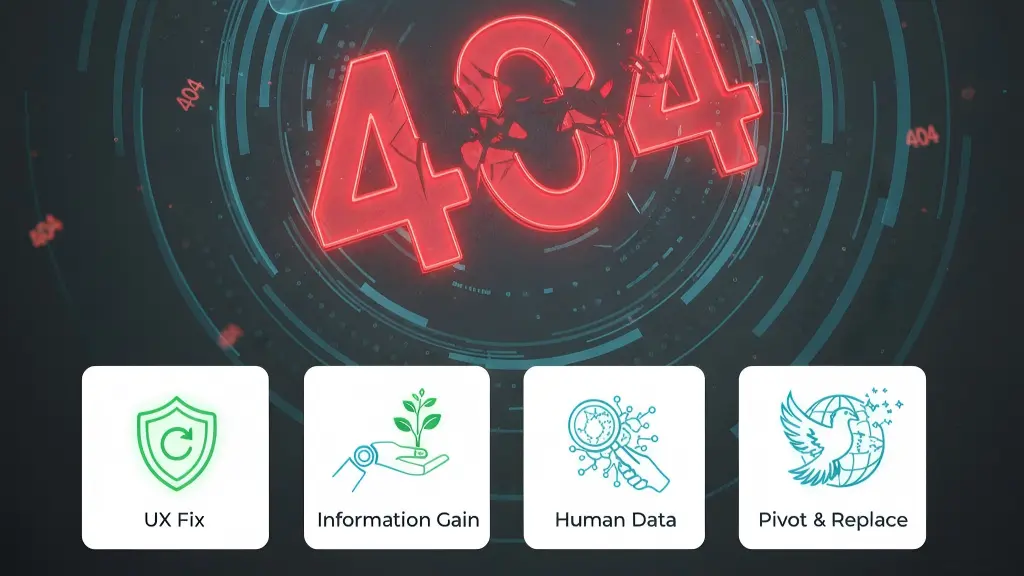
Here is exactly why your links are vanishing and the step-by-step playbook I use to get them back.
1. The “Silent” Migration (The 404 Error)
This is the most common technical reason. Sites are constantly updating their architectures.
A site might move from a traditional CMS to a headless setup, changing a URL from site.com/blog/seo-tips to site.com/learn/seo-tips. If they miss a redirect, your link hits a 404 wall.
The Solution: This is my favorite one to fix because it’s a “win-win.” I sent a UX Rescue Email.
I tell the webmaster, “Hey, I noticed this page on your site is throwing a 404 error, which might be hurting your rankings. I have a link pointing there. Would you mind updating it to this new URL so your users don’t hit a dead end?”
It works about 60% of the time because it also helps their site’s health.
2. The Competitor “Swap-Out”
Competition is fierce. I’ve seen cases where a competitor uses an AI agent to find my best backlinks, creates a “superior” version of my content, and emails the webmaster offering their link as an upgrade.
When MyLinkStatus pings me about a “Lost Link” that is still a live page. This is the first thing I investigate.
The Solution: I call this the “Human-First Upgrade.” If I’ve been swapped out, I look at the competitor’s content. Usually, it’s polished but “soulless” AI text.
I counter-offer by adding Human-First elements: such as a video walkthrough, proprietary data, or a quote from a known expert. I show the editor that my resource provides a level of depth that an AI bot can’t match.
3. The “Ghost” Site (Domain Expiry)
Sometimes, the site simply dies. Recent stats show that nearly 15% of niche blogs started during the AI boom of 2024 have already shuttered because they couldn’t compete with “Search Generative Experiences.”
The Solution: This is a Pivot & Replace situation.
If the site is dead, I don’t mourn the link. I use my monitor to see who else was linking to that now-dead page.
I reach out to those people and say, “You’re linking to a dead site; I have a live, updated version of that resource if you’d like to swap it out.”
4. The “AI Pruning” Purge
Most big publishers in 2026 are using automated “Content Health” AI. These tools scan for pages that don’t meet Information Gain thresholds.
If your link was hosted on a “thin” page that merely summarized other facts, the AI likely recommended deleting it to preserve the site’s overall authority.
The Solution: I treat this as a “Value-Add” Re-pitch. I don’t just ask them to put the page back (they won’t). Instead, I send a short note with a fresh data point or a unique case study I’ve just conducted.
I give them a reason to create a new, better page that justifies my link. In 2026, uniqueness is the only currency that stops the “delete” button.
My 2026 Recovery Checklist
| Status | Immediate Action | Success Rate |
| 404 (Live Site) | Email Webmaster (The “UX Fix”) | High |
| Page Deleted | Pitch “Information Gain” Update | Medium |
| Competitor Link | Out-produce with Human Data | Medium |
| Domain Expired | Scavenge their other backlinks | High |
Losing a link feels like a setback, but in 2026, it’s actually an opportunity to audit your content and prove you’re more “authoritative” than the competition.
Monitoring all my backlinks manually is impossible, which is why I’ve started relying on MyLinkStatus. It catches these drops the moment they happen, giving me a head start on recovery before my rankings take a hit.
